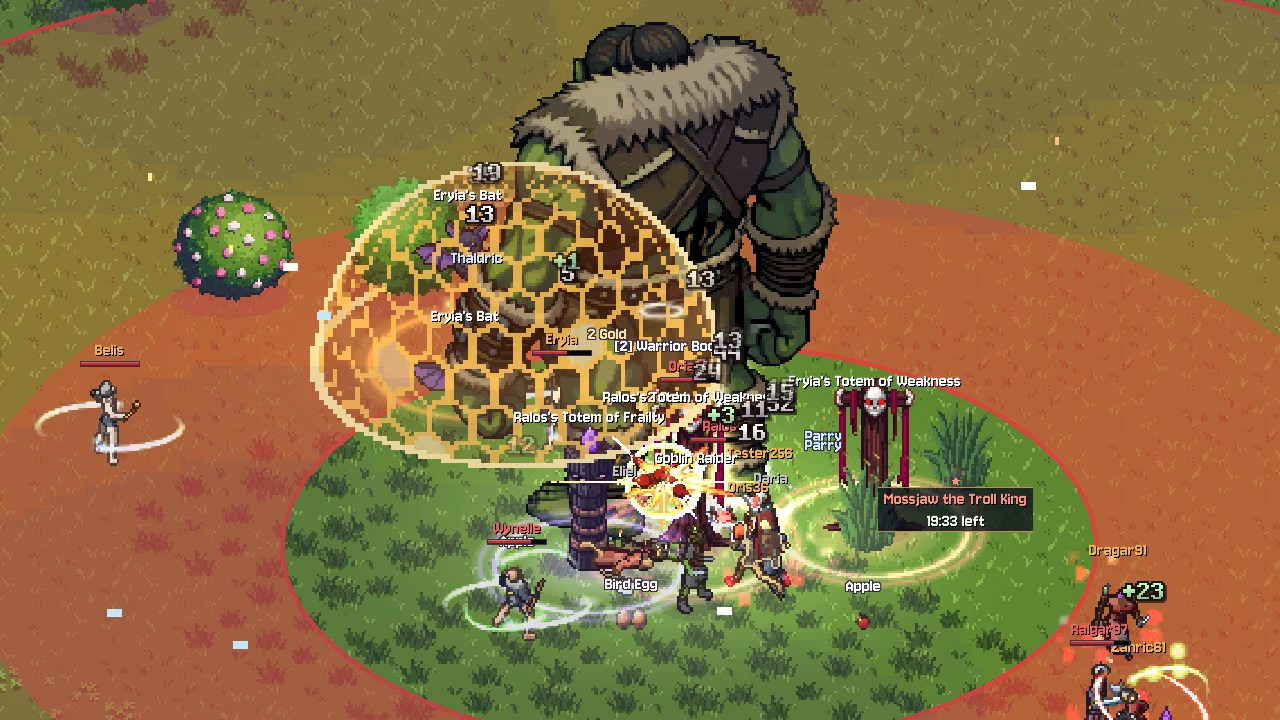
The Marketplace: a player economy with an order book
Every realm now has one global market. Buy and sell orders meet by themselves, even when you are offline, and players set the prices. Here is how it works.
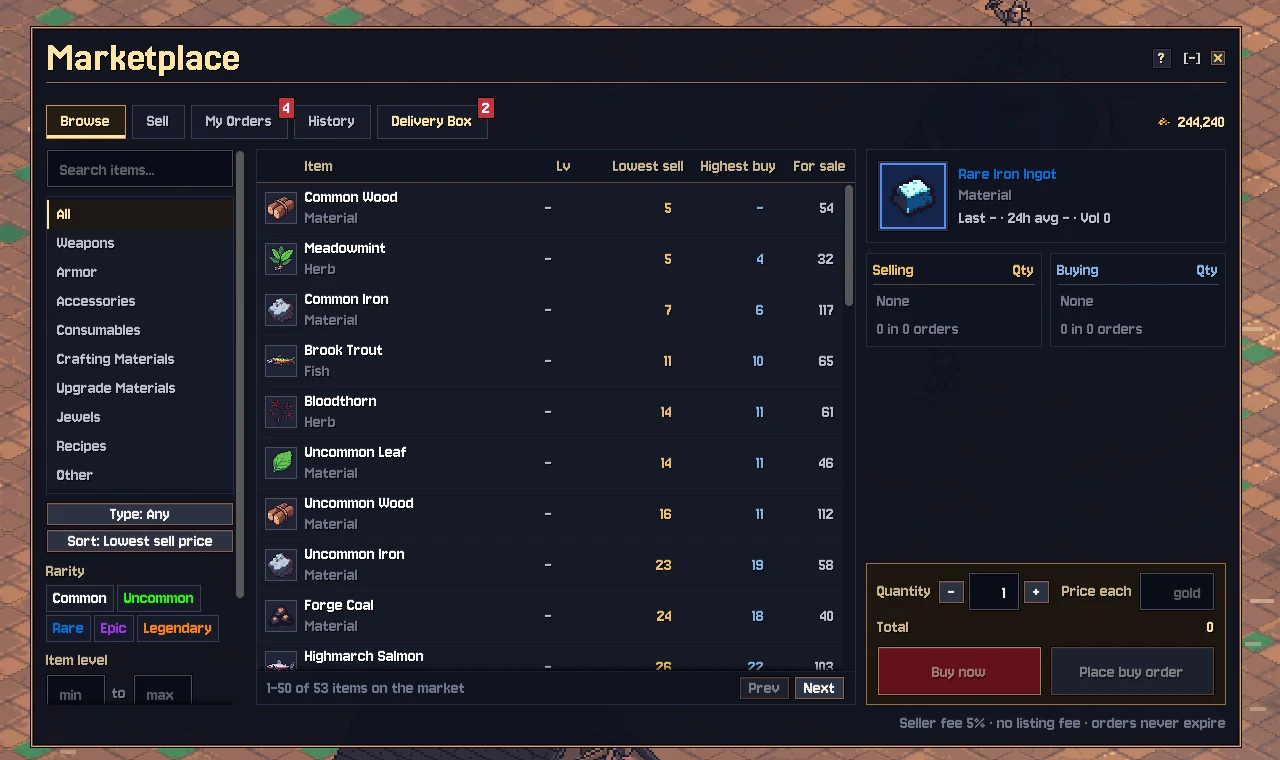
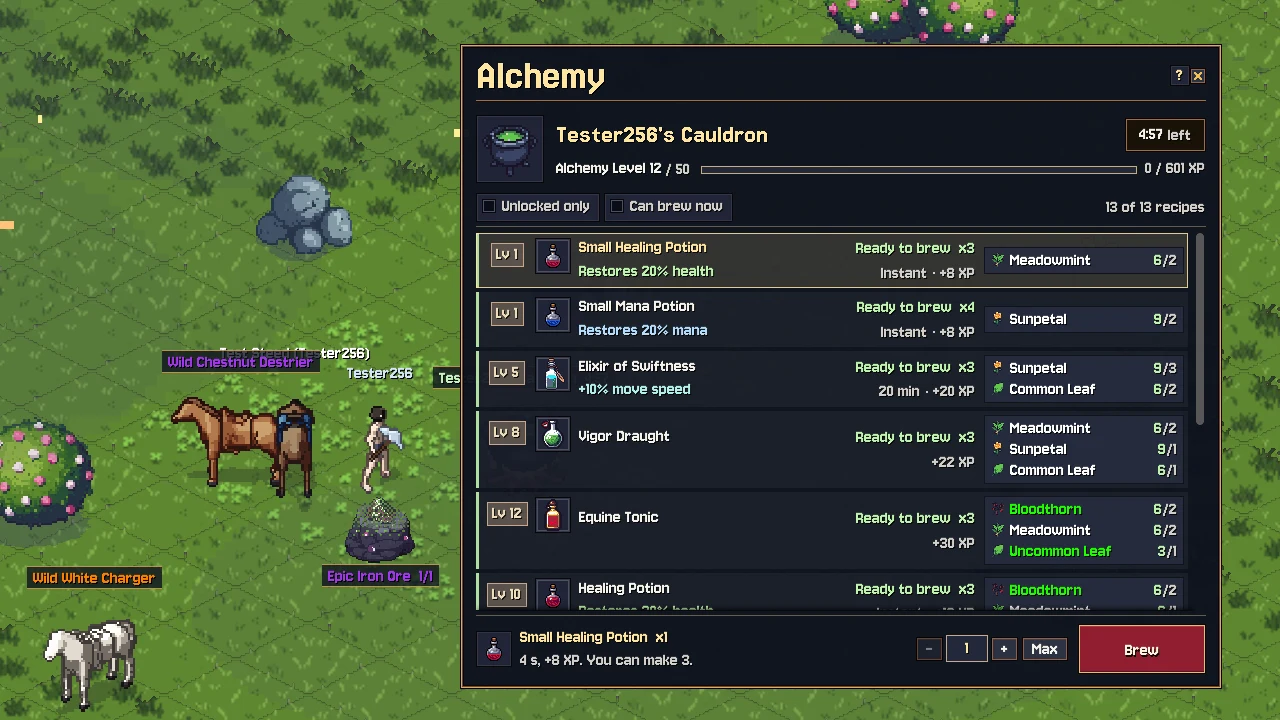
Fish, ore, herbs, ingots, potions and the gear you don't need all have someone who wants them. The Marketplace puts all of those players in one place. Open it anywhere with the - key or the menu bar's Marketplace button.
One market per realm, open all the time
All the characters of a realm share one market. You don't need to be online when someone buys from you, and you don't need to find the seller to buy from them: orders wait in the market until they are filled or cancelled. They never expire, and logouts and server restarts don't touch them.
Orders that match by themselves
The Marketplace is an order book, like the trading posts of the big MMOs:
- A sell order puts your items in the market at your price. They leave your bag and wait there safely.
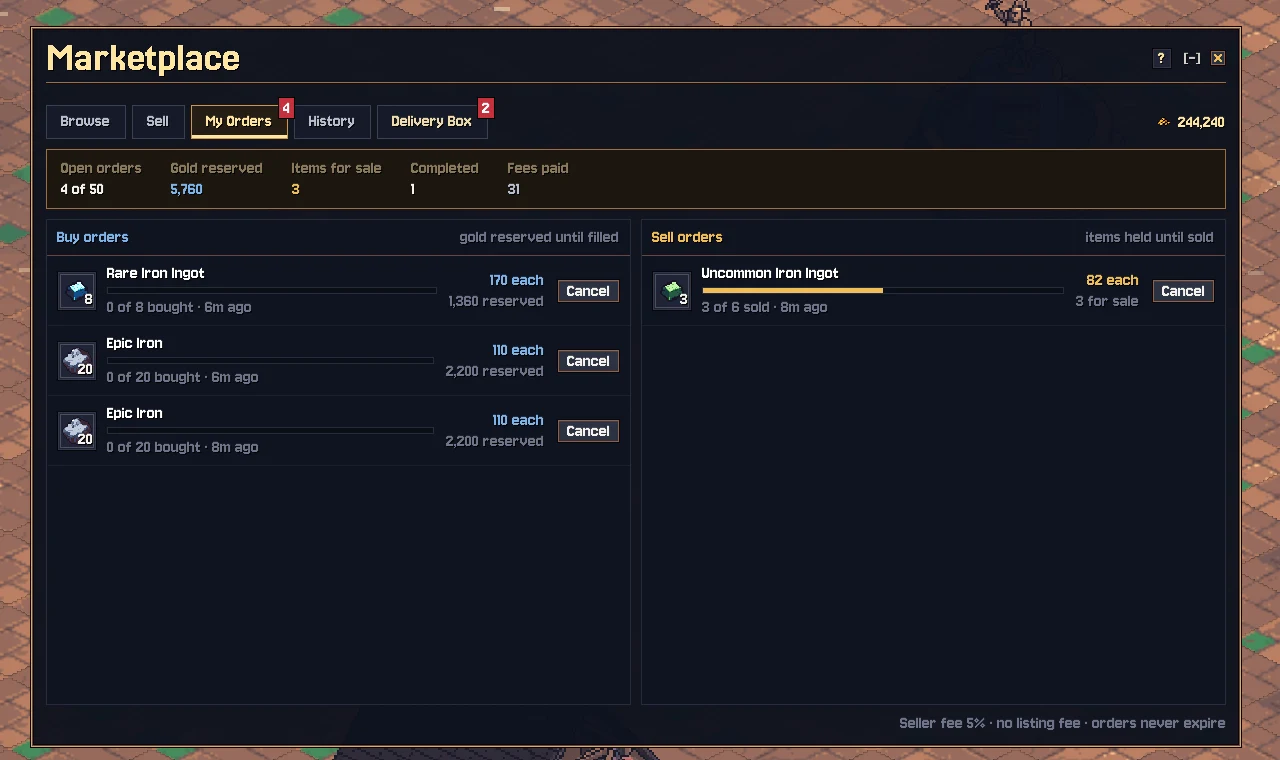
- A buy order sets aside the gold for what you want at your price, and waits for a seller.
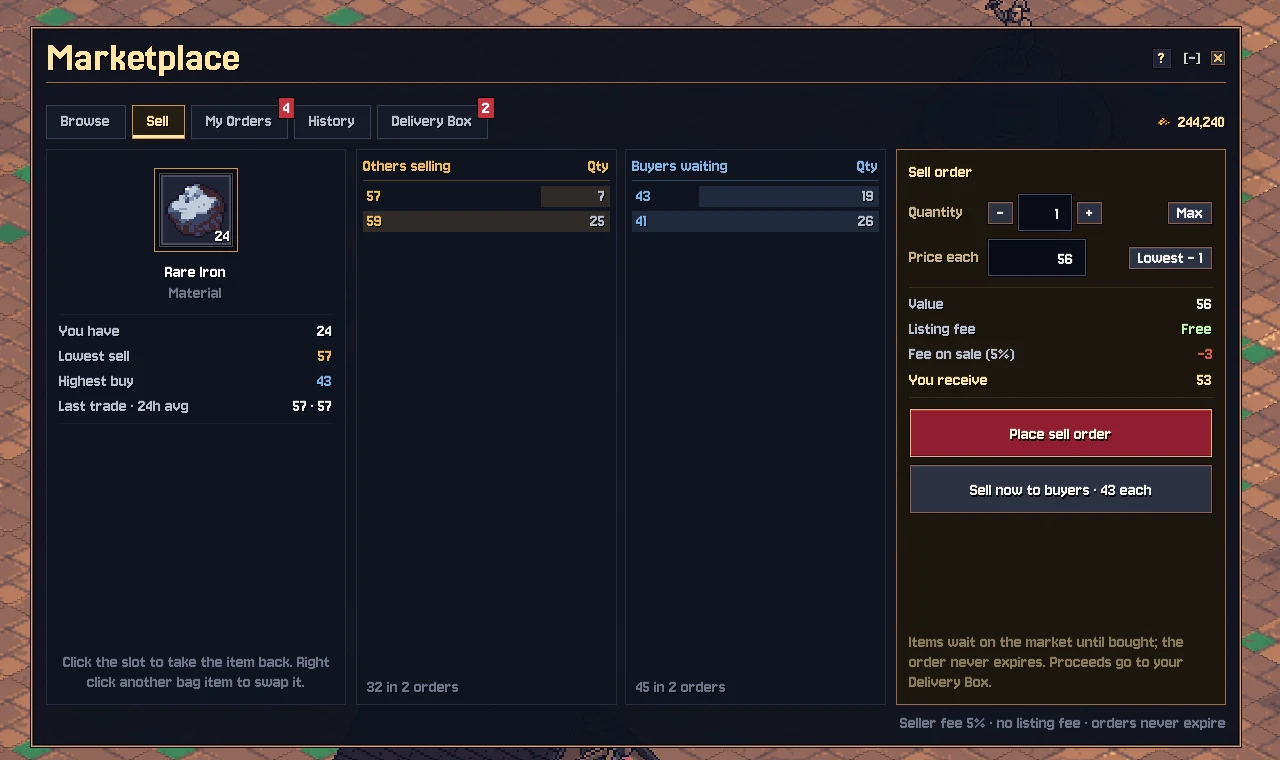
- When a buy price and a sell price meet, the trade happens automatically: the best price first, then whoever was first in line. Each trade goes through at the price of the order that was already waiting, and if you offered more than you needed to, the difference comes back to you.
- Buy now and Sell now trade right away with what is in the book. Before you confirm, you see the exact total.
Stacks and single pieces
Stackable things like materials, herbs, fish, potions and food trade freely by quantity: twenty Rare Iron is twenty Rare Iron, whoever sells it. Equipment is sold one piece per order, and each piece keeps everything that makes it unique, including its random stat lines, so the Browse page lists every piece and you can pick the one you want. A buy order on equipment takes any piece that matches its item, rarity, level, enchant and class.
Bound items, locked items and quest items can't be listed.
Fees
There is no listing fee. The seller pays 5% of every completed sale. That gold isn't paid to anyone: it leaves the game, which keeps the realm's economy from flooding with gold.
The delivery box
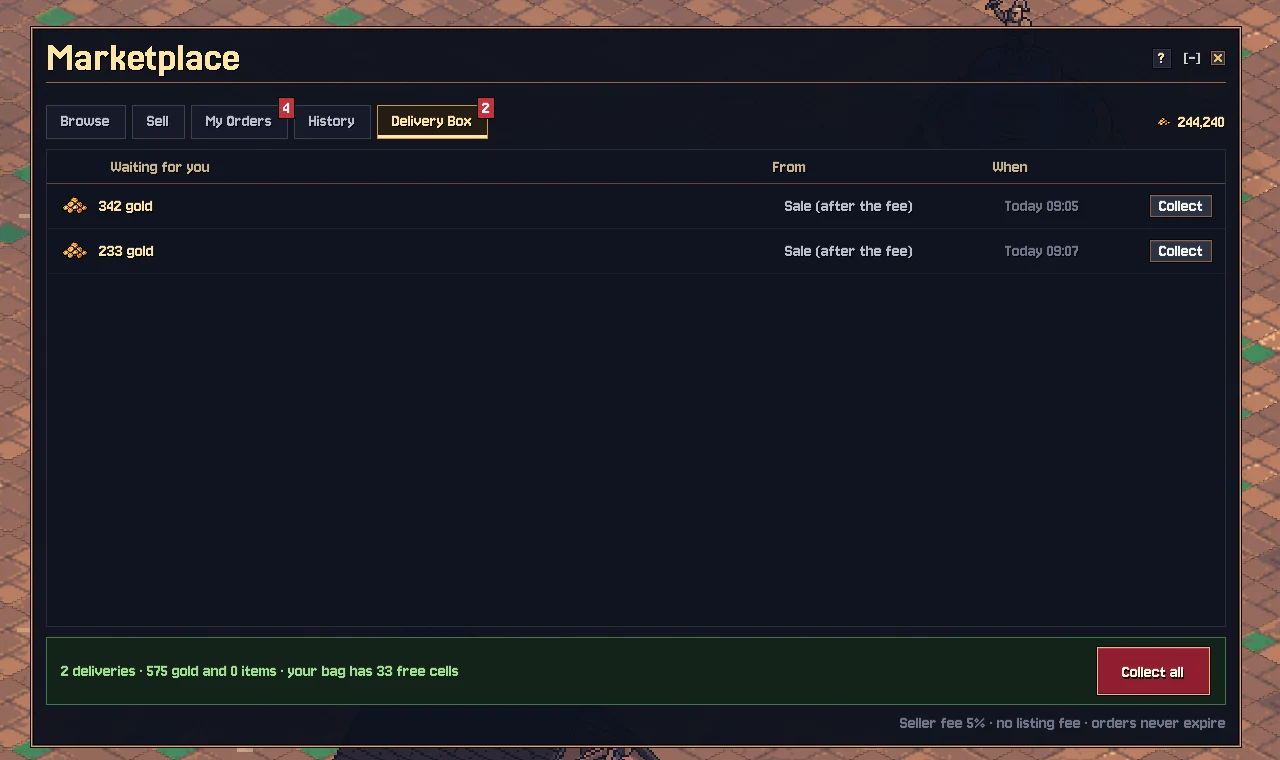
What you buy, the gold from your sales and anything that comes back from a cancelled order wait in your delivery box until you collect them, one by one or all at once. Nothing is ever thrown away: if your bag is full, the items simply wait. When an order of yours trades while you are away, a line in the chat tells you, and the menu button shows a badge.
Five pages
- Browse: search by name and filter by category, type, rarity, level and price. For any item you see the lowest sell and the highest buy, the last price and the 24-hour average, and both sides of the book.
- Sell: right-click or drag an item from your bag into the sale slot, see who else is selling and who is buying, then place your order or sell to the buyers at once.
- My Orders: your buy and sell orders and how far each one has gone, with Cancel.
- History: everything you bought, sold and cancelled, with the fees.
- Delivery Box: collect what is waiting.
Built to be safe
Every trade runs in one transaction on the account server, and every piece of equipment carries a permanent serial number, so an item can't be in two places at once. A retried request is carried out only once. Every hour, the server checks that every order still holds exactly the gold and items it should.